
Why Legacy ERP Systems Fail at Attendance – And How to Fix It Without Replacing Them
Legacy ERP systems struggle with modern attendance. Learn how to fix attendance issues using cloud solutions without replacing your existing ERP.
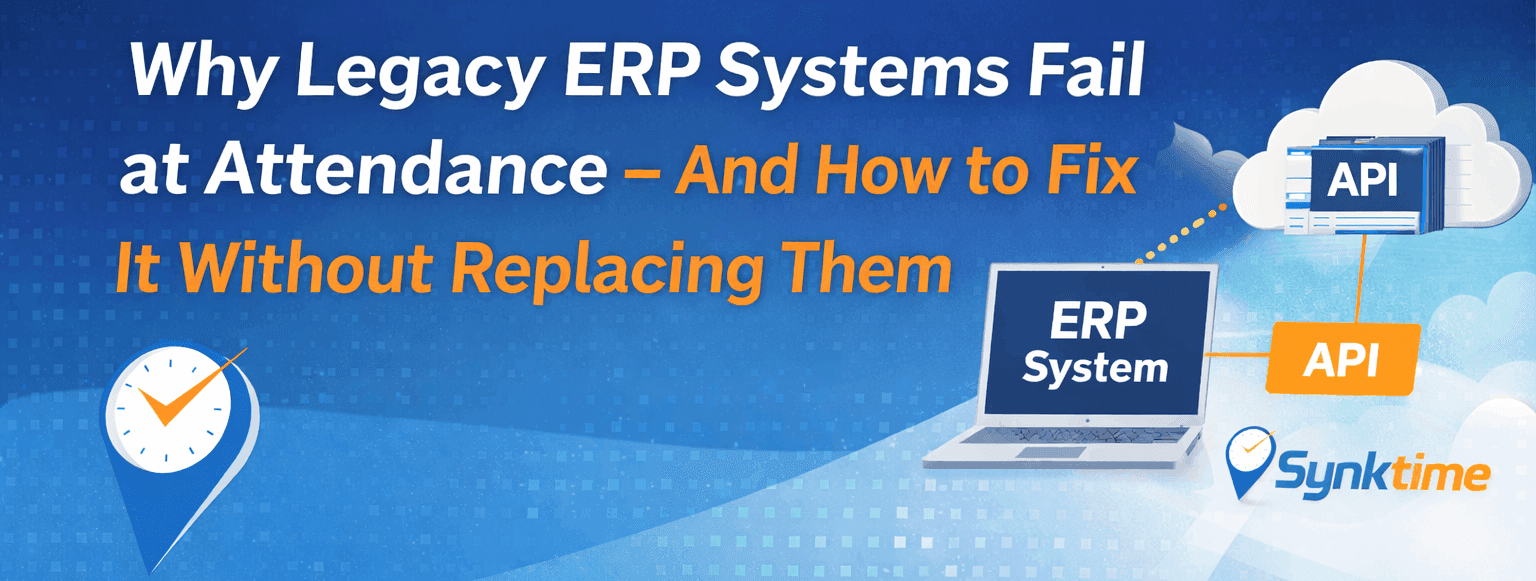
Many businesses still rely on legacy ERP systems to run payroll, HR, finance, and operations. These systems are stable, familiar, and deeply embedded in daily workflows.
But when it comes to attendance management, legacy ERPs often become a serious bottleneck.
The good news?
You don’t need to replace your ERP to fix attendance issues. You just need the right approach.
What Is a Legacy ERP System?
A legacy ERP is typically:
- Built years ago (on older frameworks or on-premise setups)
- Difficult or risky to modify
- Limited in mobile, biometric, and real-time capabilities
- Still critical to core business processes
Many organizations hesitate to upgrade or replace these systems because:
- Migration costs are high
- Business disruption risks are real
- Employees are already trained on the system
Where Legacy ERP Systems Fail at Attendance
1. No Real-Time Attendance Data
Most legacy ERPs:
- Process attendance in batch mode
- Rely on manual uploads or Excel files
- Do not support real-time dashboards
This causes delays in payroll, overtime calculations, and compliance reporting.
2. Poor Biometric & Device Integration
Modern attendance devices (fingerprint, face recognition, mobile GPS apps) generate real-time data.
Legacy ERPs:
- Lack native biometric APIs
- Depend on outdated SDKs
- Require custom scripts for every device model
Result: unreliable sync and frequent data mismatches.
3. No Mobile or Remote Workforce Support
Today’s workforce is mobile:
- Field staff
- Remote teams
- Multiple job sites and branches
Legacy ERPs were designed for fixed office environments, not GPS, selfie-based, or mobile clock-ins.
4. Multi-Branch & Multi-Company Complexity
For group businesses:
- Each branch works differently
- Each company has its own rules
- Attendance policies vary
Legacy ERPs struggle with:
- Centralized control
- Branch-level visibility
- Cross-company reporting
5. Manual Errors and HR Overload
Because of system limitations, HR teams end up:
- Manually correcting punches
- Rechecking shift mismatches
- Handling payroll disputes
This increases operational cost and reduces trust in reports.
Why Replacing the ERP Is the Wrong First Step
Many companies think:
“Our ERP is old, so we must replace everything.”
In reality:
- ERP replacement is expensive
- Data migration is risky
- Custom workflows may break
- Training takes months
Attendance is one module, not the whole ERP.
So instead of replacing the ERP, decouple attendance from it.
The Smart Fix: Add a Cloud Attendance Layer
The most effective solution is to introduce a modern cloud attendance system that works alongside your ERP.
How This Approach Works
- Attendance data is captured separately
- Biometric devices
- Mobile apps (GPS, selfie)
- Web check-ins
- Attendance is processed in real time
- Shifts
- Overtime
- Late/early rules
- Auto-calculations
- Clean data is synced to ERP via APIs
- Daily summaries
- Monthly attendance
- Payroll-ready data
Your ERP stays untouched.
Your attendance becomes modern.
Key Features You Should Look For
✔ ERP-Ready APIs
- REST APIs
- Scheduled sync
- ERP-friendly formats
This ensures smooth integration without modifying core ERP logic.
✔ Multi-Device Support
- Fingerprint
- Face recognition
- Mobile attendance
- GPS-based clock-ins
All data flows into one centralized system.
✔ Multi-Branch & Multi-Company Control
- Central dashboard
- Branch-level rules
- Company-wise segregation
- Role-based access
Perfect for group businesses and franchises.
✔ Automated Shift & Overtime Handling
- Fixed shifts
- Rotational shifts
- Flexible shifts
- Night shifts
Automation eliminates manual HR work.
✔ Cloud-Based & Scalable
- No local server dependency
- Works across locations
- Easy to scale as you grow
Real Business Impact
Companies that modernize attendance without replacing ERP typically see:
- 📉 70% reduction in HR manual work
- ⏱ Faster payroll processing
- 📊 Accurate, real-time attendance reports
- 🔗 Seamless ERP data flow
- 🚀 Zero disruption to existing systems
Who Benefits the Most From This Approach?
- Businesses running custom or old ERPs
- Companies with multiple branches
- Organizations with field employees
- Enterprises using biometric devices
- Groups managing multiple companies under one ERP
Final Thoughts
Legacy ERP systems fail at attendance not because they are bad — but because attendance technology has evolved faster than ERPs.
You don’t need a risky ERP replacement to move forward.
By adding a modern cloud attendance layer with ERP-ready APIs, you can:
- Keep what already works
- Fix what doesn’t
- Prepare your system for future growth
Attendance should empower your business — not slow it down.
Frequently Asked Questions (FAQs)
Can attendance be integrated with any ERP?
Yes. With API-based or file-based sync, attendance can integrate with almost any ERP system.
Will this affect existing payroll processes?
No. Attendance feeds clean data into payroll without changing payroll logic.
Is this suitable for large workforces?
Absolutely. Cloud attendance platforms are designed to scale from small teams to thousands of employees.
Do employees need to change how they work?
Minimal change. They simply use modern devices or mobile apps instead of manual registers.